What is a clicker? A guide to keycap clickers (clicker fidgets) and their types
A clicker (clicker fidget) is a small keychain with keyboard-style keys that click when you press them. Here are its names and types, how a 3D printed one is made, and how to pick one with your name or your club's crest.
Key takeaways
- A clicker is a keychain with keyboard-style keys that click when pressed and keep your hands busy.
- Clickers, keyboard clickers and clicker fidgets are the same thing, and not the same as clackers or phone games.
- At Kun you design one with your name on up to 7 keys, with your name and your club's crest, or as a logo clicker.
- It's 3D printed to your order, and you see it in the preview before you order.
A clicker (clicker fidget) is a small keychain with keys like a keyboard's: press one and you hear a click and feel the key go down and spring back. Many people use one to keep their hands busy while studying, working or waiting, hang it on their keys or bag, and it makes a lovely gift when it carries the owner's name.
At Kun we 3D print clickers to order, in three kinds: a clicker that spells your name, a name clicker with your club's or national team's crest or the One Piece flag, and a logo clicker whose whole logo is the button. This guide covers what a clicker is, why people like it, how it's printed and how to choose the right one.
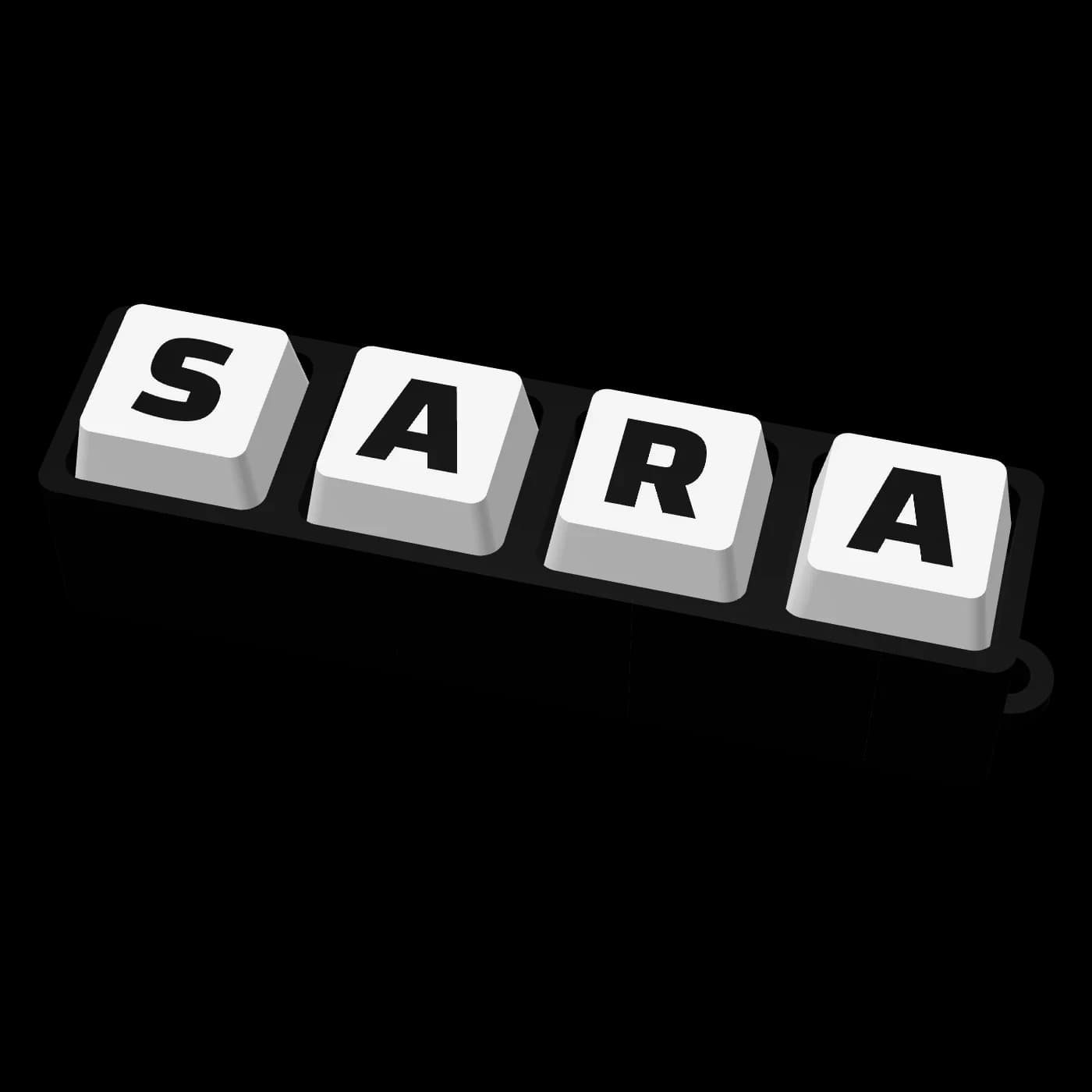
What a clicker is, and what people call it
A clicker is a small hand toy from the fidget family: a row of keys on a base, each pressing down and springing back with a click. Its look comes from mechanical keyboard keys, which is why people who love the sound and feel of a keyboard love it too.
It goes by several names in search and on social media:
- "Clicker" and "clickers" (in Arabic كليكر and كليكرز, and كلكر as some spell it).
- "Clicker keychain", because it hangs on your keys like any keychain.
- "Keyboard clicker" or "keyboard fidget", because its keys look like keyboard keys.
- "Clicker fidget" or "keycap clicker"; a keycap is the cap on a keyboard key that carries the letter.
Two things have similar names but are different:
- Clackers, also known as lato-lato or the two-ball toy: two balls on a string that knock together. No keys, and the sound comes from the balls hitting.
- "Clicker" games on phones and computers: games where you tap the screen to collect points, nothing to do with a keychain you hold.
Why people like it
- The press and the click: every press gives a clear click, a small pleasure many people come back to all day.
- It keeps your hands busy: instead of playing with a pen or cracking your knuckles while you think, take a call or wait your turn, you press the keys.
- At your desk or in class: small enough to sit by your keyboard or in your pocket, and plenty of students and office workers like having something to click while they work.
- Light and handy: a keychain for your house or car keys, or for a school or work bag.
- A personal gift: with someone's name or their club's crest on it, it becomes their own piece, and children and grown-ups alike enjoy it.
A clicker is a toy for fun and for busy hands; we make no medical claims for it.
Types of clicker
- The name clicker (keycap clicker): a row of keys with a letter or digit on each, spelling your name or the name of the person you're giving it to. You design it yourself in Design Your Keychain Clicker.
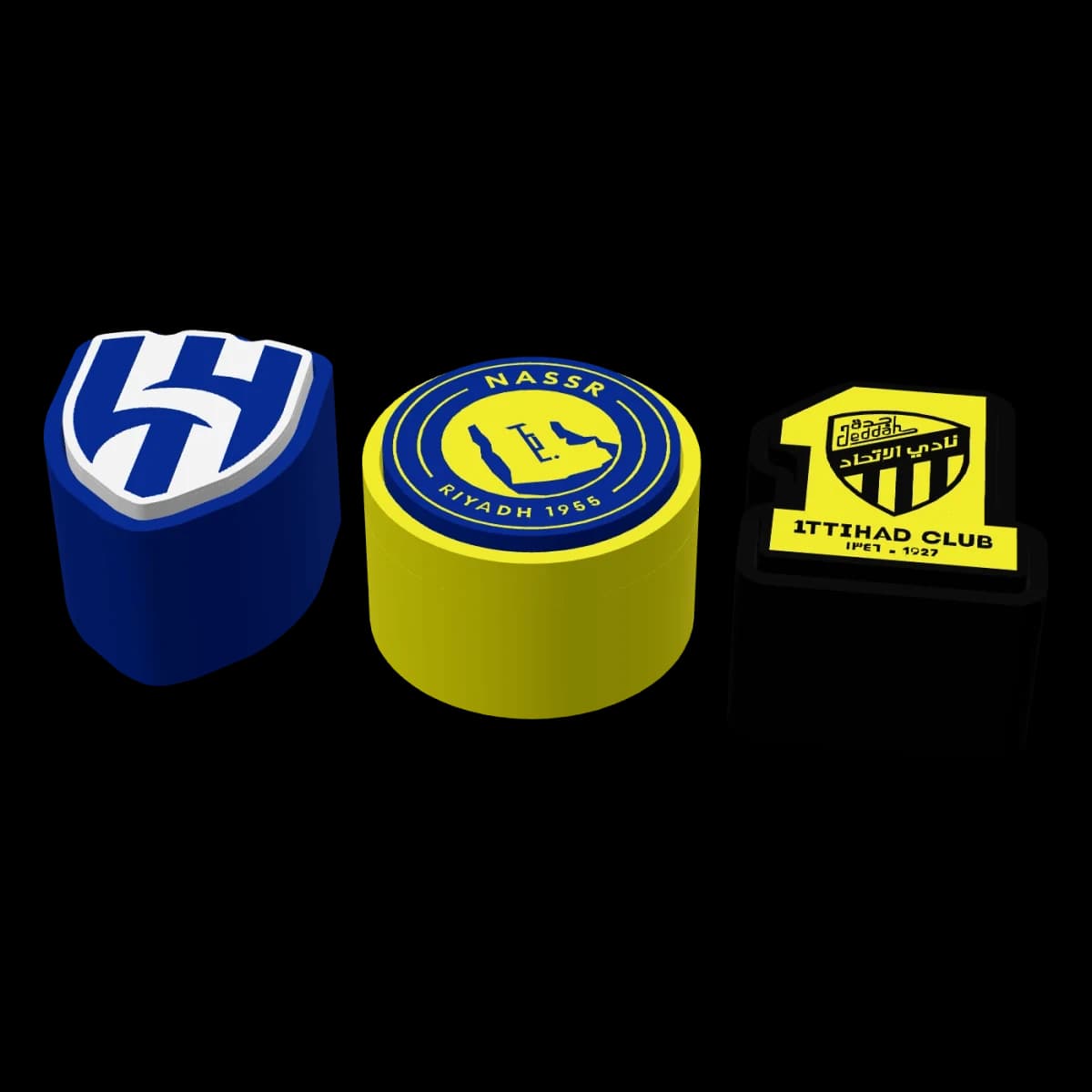
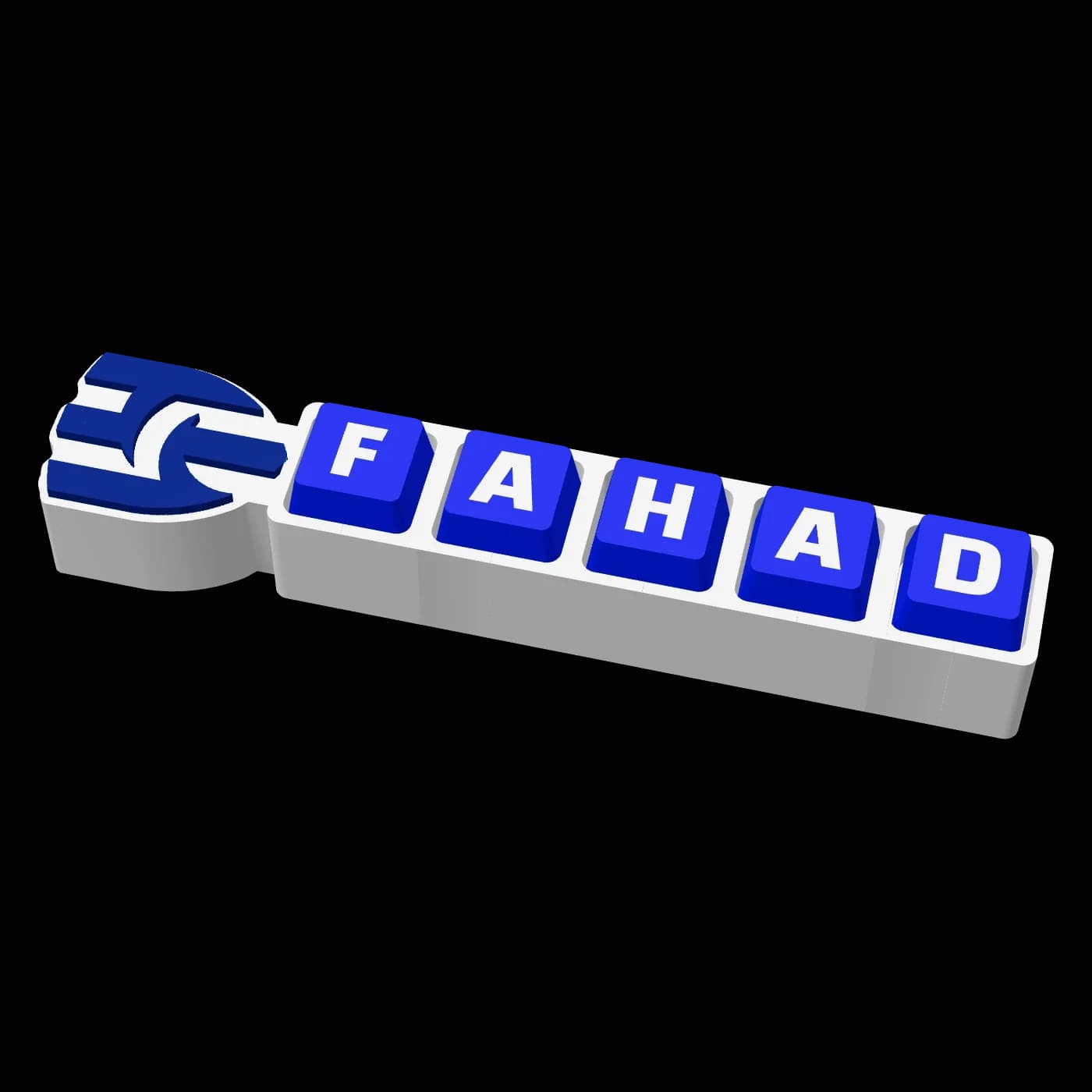
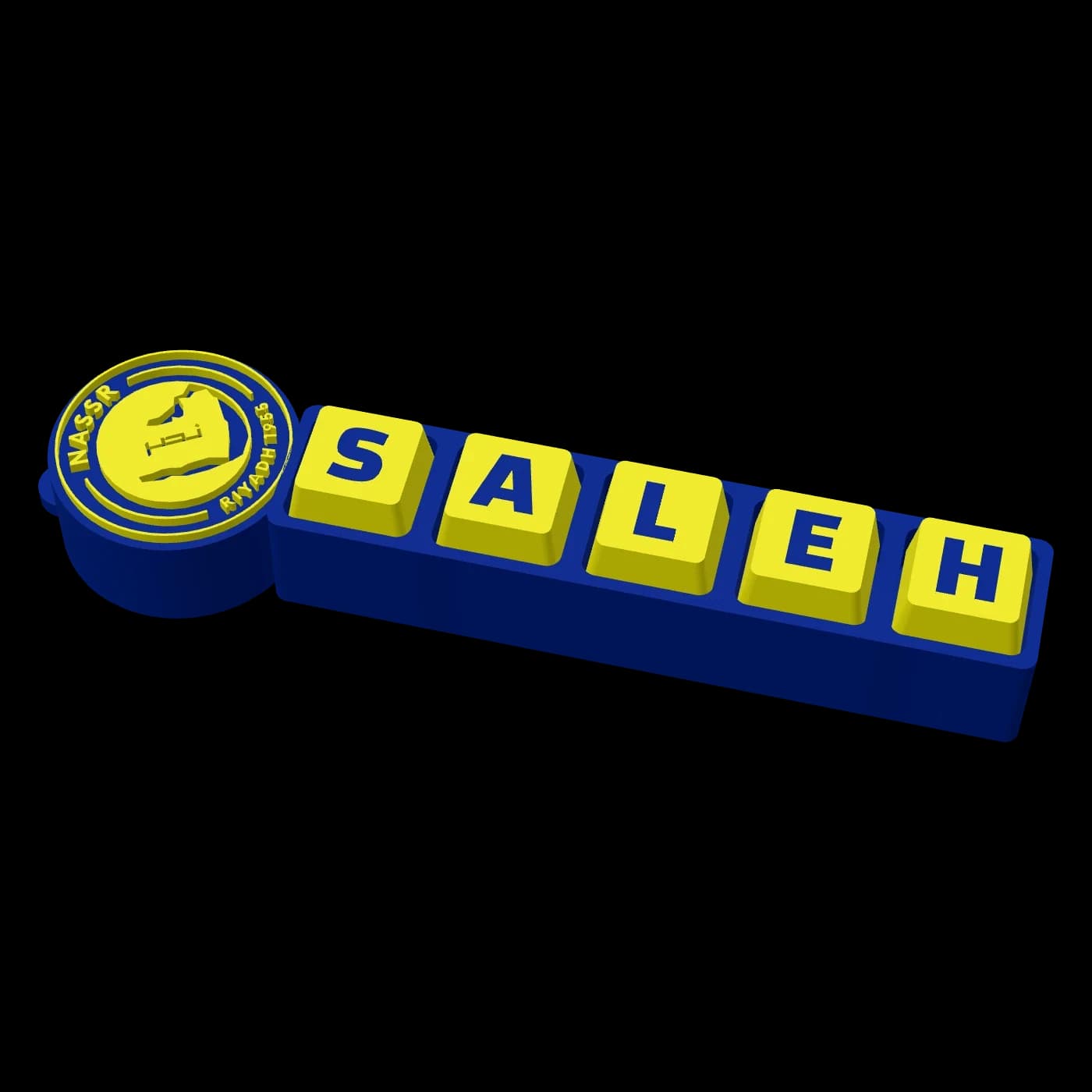
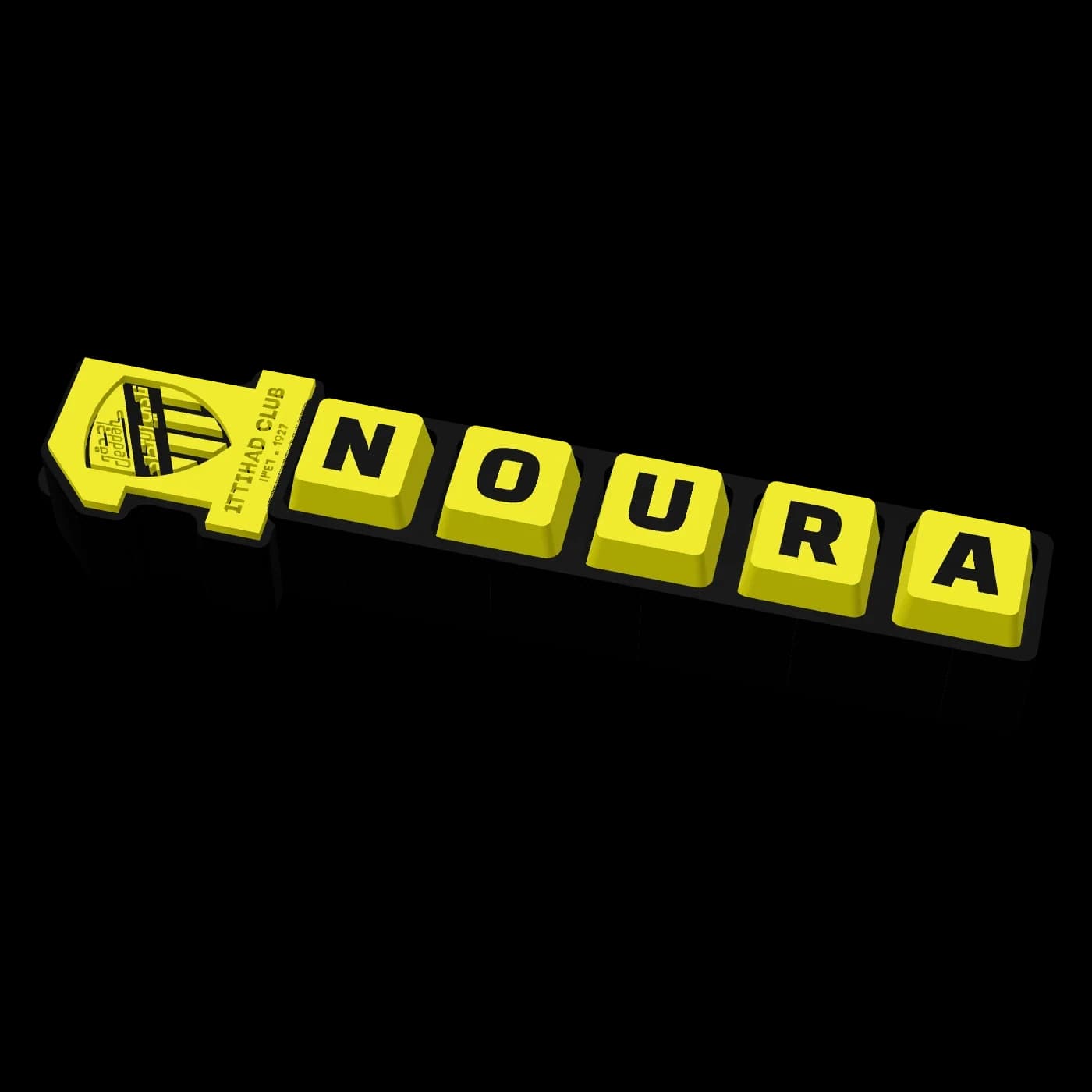
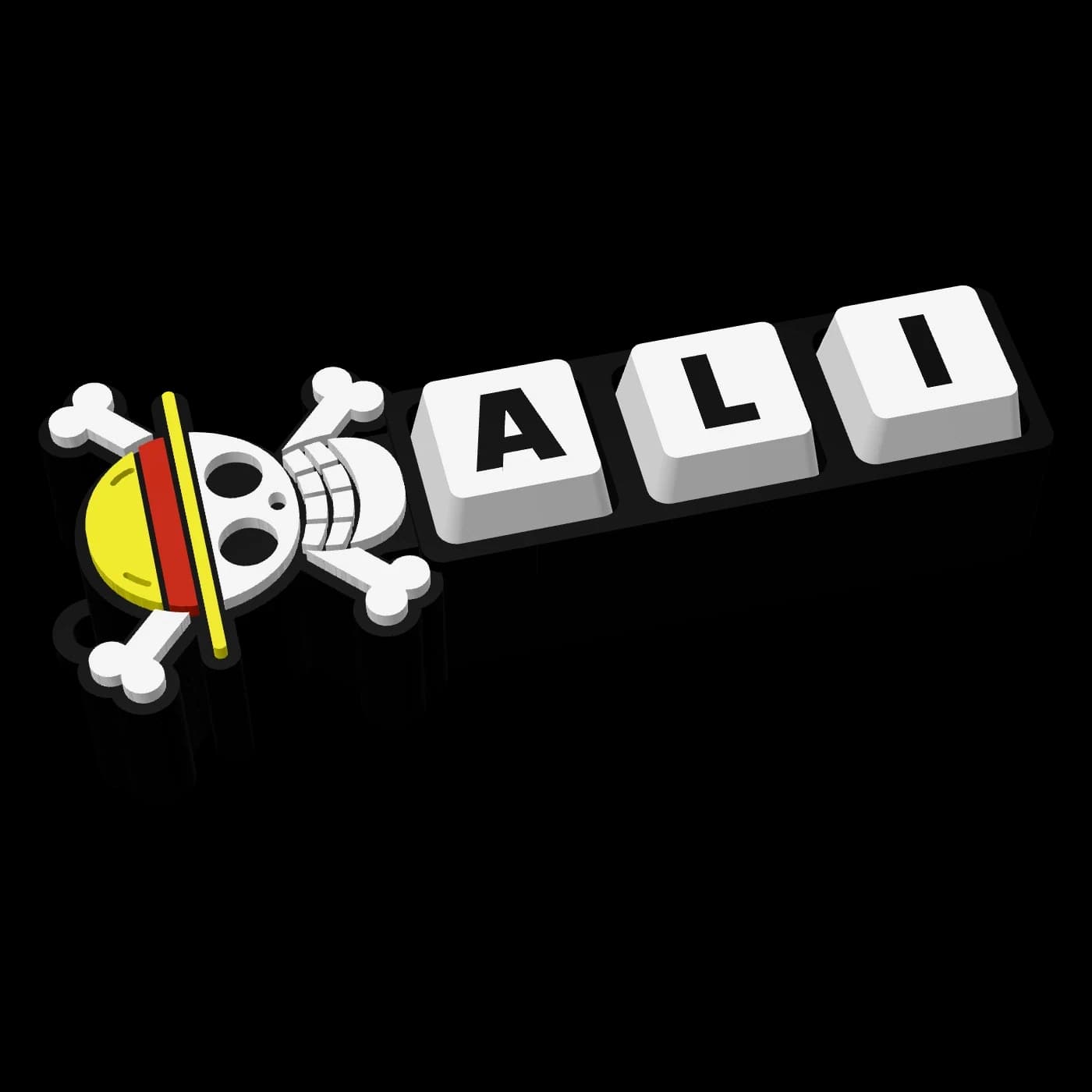
- The name clicker with a crest: the same name keys with a crest at the end. We make it for Saudi and international clubs and national teams, such as the Al Hilal name clicker, the Al Nassr name clicker and the Al Ittihad name clicker, and the One Piece name clicker with the Straw Hat flag.
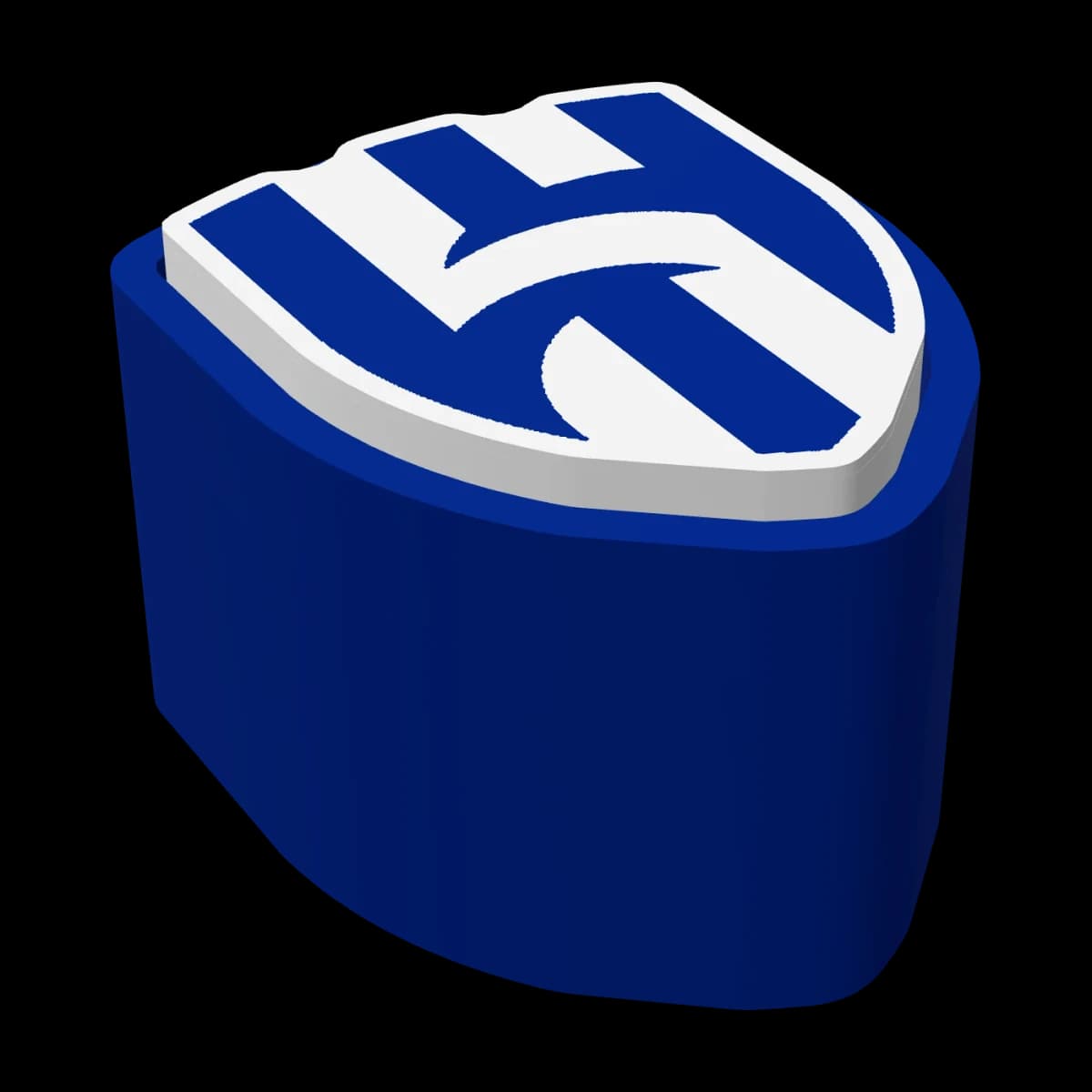
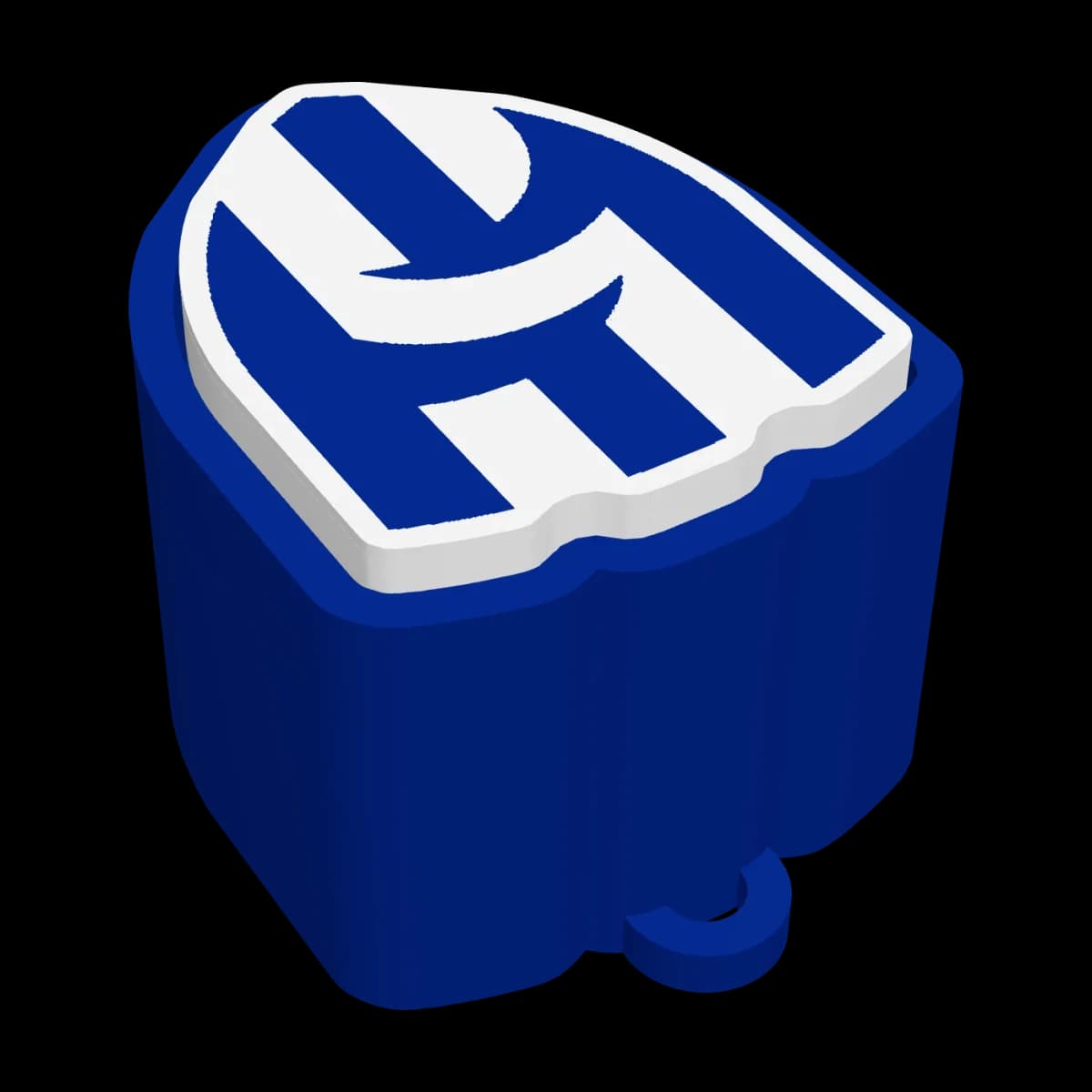
- The logo clicker: no letters; the logo itself is one big key you press whole to hear the click. Pick yours in the Logo Clicker from a list of clubs, national teams and the Straw Hat flag.
- Clickers in other shapes: you'll find clickers shaped like a coffee cup, a cat or cartoon characters, all on the same idea of one or more keys that press with a click. We don't make those shapes at Kun for now; what we print are the three kinds above.
How a 3D printed clicker is made
A clicker at Kun is 3D printing work, printed by us after you order:
- The base (holder): the part that carries the keys, with a place for each key and, at its end, the ring it hangs from if you choose one.
- The keys: each key sits on a small switch underneath, and the switch gives the click and springs the key back after you press it.
- The letters: each letter is printed into the face of its key in a different colour, so it stands out clearly.
- The long key: if you choose it instead of separate keys, it's one long key like a keyboard's space bar, spanning several switches, with the whole name on it.
- The crest: on a name clicker with a crest, the crest is printed with the clicker as one piece, or as a separate piece that fits on.
The printer prints one piece in up to four colours, so if you pick more, the designer adjusts the colour of some parts and tells you before you order. A clicker gets longer with every key, so one with three letters is shorter than one with seven.
Every clicker is printed after you order, the way you saw it in the 3D preview.
How to choose a clicker
- Number of letters: a name clicker takes one letter or digit per key, up to 7 keys, and a space leaves a key blank. For the whole name on one key, choose the long key.
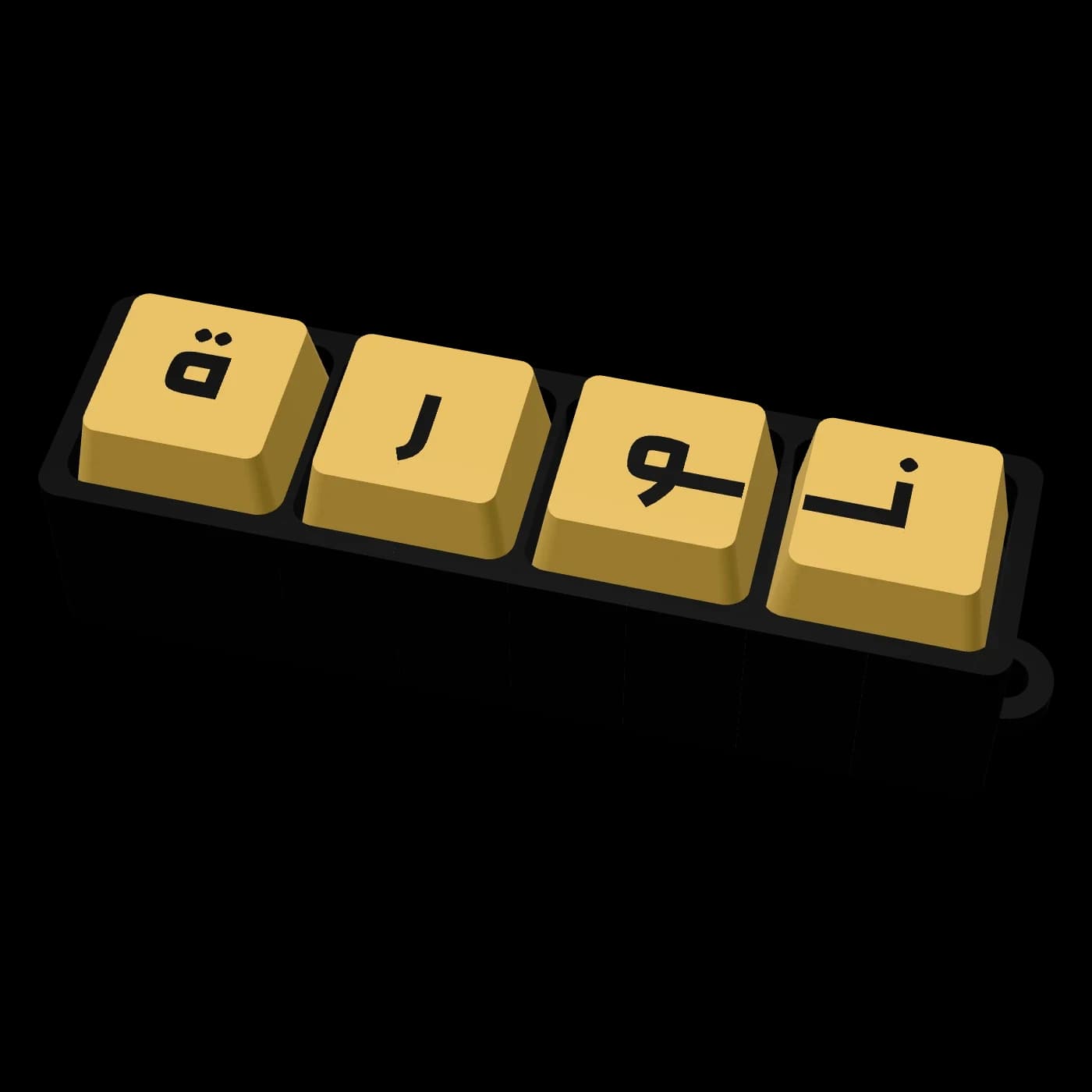
- Arabic or English: write in Arabic letters, or in English letters and digits. An Arabic name can have its letters joined or separate.
- Letter direction: across, to read with the clicker in front of you, or down, top to bottom while it hangs.
- Font: pick from several fonts and see the difference in the preview straight away.
- Colours: the base, key and letter colours, each to your taste. Club clickers start in the team's colours, and you can change them.
- Ring and hanger: with a ring or without, and a key keychain, a car keychain or both.
- As a gift: write the person's name or nickname, or pick their club's crest, in colours they like. For more gifts with a name, see the name gifts guide.
Care and safety
- It has small parts, so it isn't suitable for children under 3; keep it away from little ones who put things in their mouths.
- To clean it, wipe it with a dry or slightly damp cloth; don't soak it in water or put it in the dishwasher.
- Don't leave it for long somewhere very hot, like a car dashboard in high summer: printed plastic parts can soften or lose their shape in strong heat.
- Press the keys as much as you like, but don't pull them hard, since they sit on switches.
Price and ordering
- Design Your Keychain Clicker: from SAR 20.00.
- A name clicker with a club, national-team or One Piece crest: from SAR 25.00.
- Logo Clicker: from SAR 25.00.
The final price depends on what you choose in the designer.
Prices include 15% VAT.
Design your clicker and see it in 3D, then add it to your cart and check out.
Payment methods: mada / Card / Apple Pay, Cash on delivery.
We prepare your clicker in 1–3 business days, and it arrives 1–4 business days after shipping.
We ship to: Saudi Arabia, Kuwait, Bahrain, United Arab Emirates, Qatar and Oman.
Shipping options: Redbox (locker pickup) from SAR 14.00 (free on orders of SAR 100.00 or more); Aramex from SAR 22.00 (free on orders of SAR 200.00 or more).
Delivery times and shipping costs in detail are in the FAQ.
A clicker is printed with your letters and choices, so it can't be returned unless it arrives faulty or different from your order.
Useful links
- Every clicker is in the Keyboard Clicker Keychains range.
- Design your own in Design Your Keychain Clicker.
- Club clickers and keychains are in Club Crest Keychains & Clickers, with the club keychains guide.
- If you like hand toys, see the fidget toys guide: a fidget star and more, and flexi animals once they're back.
Frequently asked questions
Does a clicker make a sound?
Yes, every key presses with a click like a keyboard's, and you feel the key go down and spring back under your finger.
How many keys can I write on a clicker?
In Design Your Keychain Clicker, up to 7 keys with a letter or digit on each, and a space leaves a key blank. Or choose one long key with the whole name on it.
Can I write my name in Arabic?
Yes, in Arabic letters or in English letters and digits, and an Arabic name can have its letters joined or separate.
Is a clicker a good gift?
Yes, especially with the person's name or their club's crest on it. You pick its colours and see it in 3D before you order, and we print it to your order.
What's the difference between a clicker and clackers?
A clicker has keys that press with a keyboard-like click; clackers (lato-lato) are two balls on a string that knock together, with no keys.
How much does a clicker cost?
A name clicker starts from SAR 20.00, a name clicker with a club or national-team crest from SAR 25.00, and a logo clicker from SAR 25.00, VAT included.
Is a clicker suitable for children?
Children and grown-ups both enjoy it, but it has small parts, so it isn't suitable for children under 3.
Products in this guide
- NewPrint on demand
- NewPrint on demand
- NewPrint on demand
- NewPrint on demand
- NewPrint on demand
- New
Related guides
- Buying guideHow Kun prints your pieces: from the 3D preview to your door
Kun is a Saudi store that 3D prints every piece itself. You design the piece and see it in 3D before you order, we print it in PLA in the colours you chose, and ship it across Saudi Arabia and to the GCC.
- Buying guideHow to prepare your file for 3D printing: size, walls and lettering
Before you send your file for printing: export it as STL or 3MF in millimetres, check the size, keep walls and letters thick enough and give it a flat base. This checklist helps your piece come out the way you picture it the first time.
- Buying guideHow to judge 3D print quality: a checklist for the photos and the piece in hand
A good 3D print has even layers, no stray hairs or blobs, a flat base and sharp, clear letters. Here's a checklist to use on product photos before you buy and on the piece when it arrives.
- Buying guideFidget toys: 3D printed toys to keep your hands busy
A fidget toy is a small toy that keeps your hands busy while you think or wait. We print a fidget star that expands and folds back and keyboard-style clickers, and our flexi animals are coming back soon.