How to prepare your file for 3D printing: size, walls and lettering
Before you send your file for printing: export it as STL or 3MF in millimetres, check the size, keep walls and letters thick enough and give it a flat base. This checklist helps your piece come out the way you picture it the first time.
Key takeaways
- Export the file as STL or 3MF in millimetres, up to 60 MB.
- Walls 1.2 mm or more, letters 5 mm or more, and a flat base.
- Write the size and key details in the notes; we send the price before you pay.
To prepare your file for 3D printing: export it from your design program as STL or 3MF in millimetres, make sure the model is closed and one solid piece, that its walls and letters are thick enough, and that it has a flat base to sit on. Then upload it on Print your design; we review it and send you the price on WhatsApp before you pay anything. The ordering steps themselves are in How to 3D print your own design; this guide is about the file.
1. Format and units
- STL: the most common format, holding the shape only, without colours.
- 3MF: newer, and keeps the units and sometimes colours and parts in one file, so if your program supports it, it's the better choice.
- The Print your design page takes one file in either format, up to 60 MB.
- Export in millimetres. The most common mistake is a file saved in inches or metres, so the piece comes out far bigger or smaller than intended. Write the size you want in the notes so we can check.
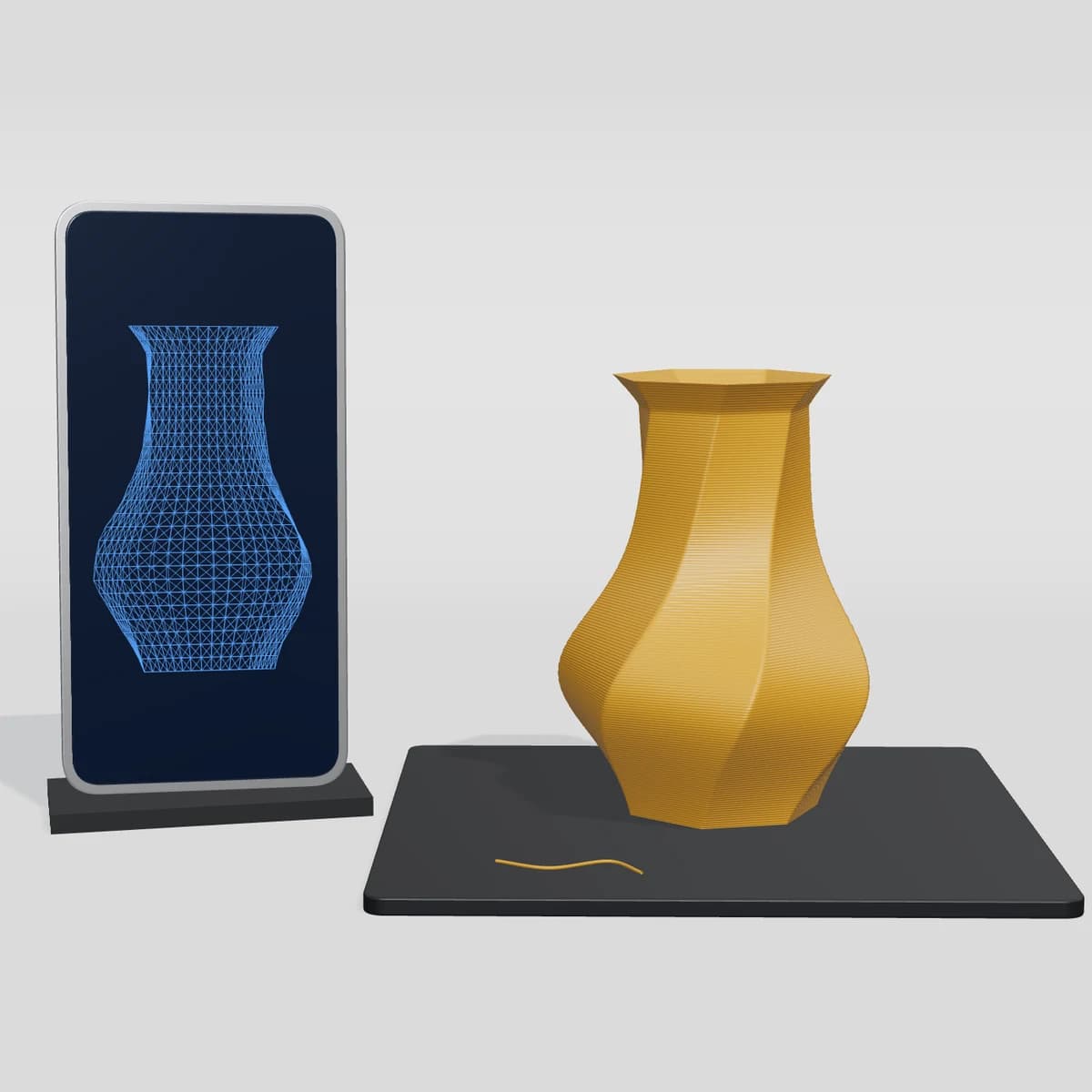
2. Size
- Measure the piece in your program before exporting: length, width and height.
- Every printer has a maximum size it prints in one go. We print on a Bambu Lab A1 mini, whose build area is up to 18 × 18 × 18 cm, so a bigger piece is split into parts and joined. If yours is large, say so in the notes; big pieces can take longer, and we'll let you know.
- Don't shrink the piece until the details vanish: a letter two millimetres tall can't be read.
3. Walls and details
General rules for filament printing (how it differs from resin is in Types of 3D printers):
- Walls: keep them 1.2 mm or more to be strong; under 0.8 mm may not print or may snap quickly.
- Raised or engraved letters: 5 mm tall or more, with strokes 0.8 mm thick or more, so they read. Watch the small dots of Arabic letters: make them a little bigger than usual.
- Long, thin parts like sticks and horns: thicken them or strengthen them at the root, since they break first.
- A keychain loop: make the hole 4 mm or more, and the loop itself thick and firmly joined to the piece.
4. The base and overhangs
- The printer builds from the bottom up, so the piece needs a flat face to sit on.
- Parts angled more than about 45 degrees, or hanging in the air, need temporary supports, which leave a small mark once removed. If you can split the piece or turn it so less of it hangs, the result is cleaner.
- Parts that move or fit together need a gap between them, usually 0.2 to 0.4 mm, or they fuse.
5. The model itself
- Fully closed, with no holes in the surface (watertight), because the software that prepares the print can't read an open wall.
- No flipped faces or wrongly overlapping parts. Most design programs have a model check or repair tool; run it before exporting.
- If the piece has several parts, save them in one file and write in the notes how they fit together.
6. Colour, quantity and notes
- On the Print your design page you pick the colour and the quantity, and the piece prints in PLA.
- Put everything that matters to you in the notes: the final size, the face you want cleanest, and whether the piece is part of something bigger.
What's hard to print with filament
- Details smaller than half a millimetre, like very fine hair or wrinkles on a small figure.
- Fully see-through pieces, like glass.
- Pieces that must take high heat, like something placed next to a heat source, because PLA softens with heat.
- Pieces for eating or drinking from.
No file?
For a keychain with your name or your car plate, or a clicker with your letters, you don't need a file: design it on the site and see it in 3D before you order, from Print on demand. If you have a question about your file before sending it, message us on +966556995996.
Once you accept the price we print the piece and prepare it within 1–3 business days, and ship to: Saudi Arabia, Kuwait, Bahrain, United Arab Emirates, Qatar and Oman. A piece printed from your file is made for you, so it can't be returned unless it arrives faulty or different from your order.
Frequently asked questions
Which format should I send?
STL or 3MF, one file up to 60 MB. 3MF is better if your program supports it, since it keeps the units.
Why did my piece come out the wrong size?
Usually because the file was saved in a unit other than millimetres. Export in millimetres and write the size you want in the notes.
What's the minimum thickness for walls and letters?
As a general rule for filament printing: walls 1.2 mm or more, letters 5 mm tall or more with strokes 0.8 mm or more.
I don't have a file. What can I do?
For name or car-plate keychains and clickers, design them on the site with no file and see them in 3D before you order.
Products in this guide
- NewPrint on demand
Related guides
- Buying guideHow Kun prints your pieces: from the 3D preview to your door
Kun is a Saudi store that 3D prints every piece itself. You design the piece and see it in 3D before you order, we print it in PLA in the colours you chose, and ship it across Saudi Arabia and to the GCC.
- Buying guideHow to judge 3D print quality: a checklist for the photos and the piece in hand
A good 3D print has even layers, no stray hairs or blobs, a flat base and sharp, clear letters. Here's a checklist to use on product photos before you buy and on the piece when it arrives.
- Buying guideWhat are flexi keychains? Articulated 3D printed animals
Flexi keychains are small 3D printed animals with joints that move between their parts, also called articulated keychains. Hang one on your keys or play with it at your desk.
- Buying guideFidget toys: 3D printed toys to keep your hands busy
A fidget toy is a small toy that keeps your hands busy while you think or wait. We print a fidget star that expands and folds back and keyboard-style clickers, and our flexi animals are coming back soon.